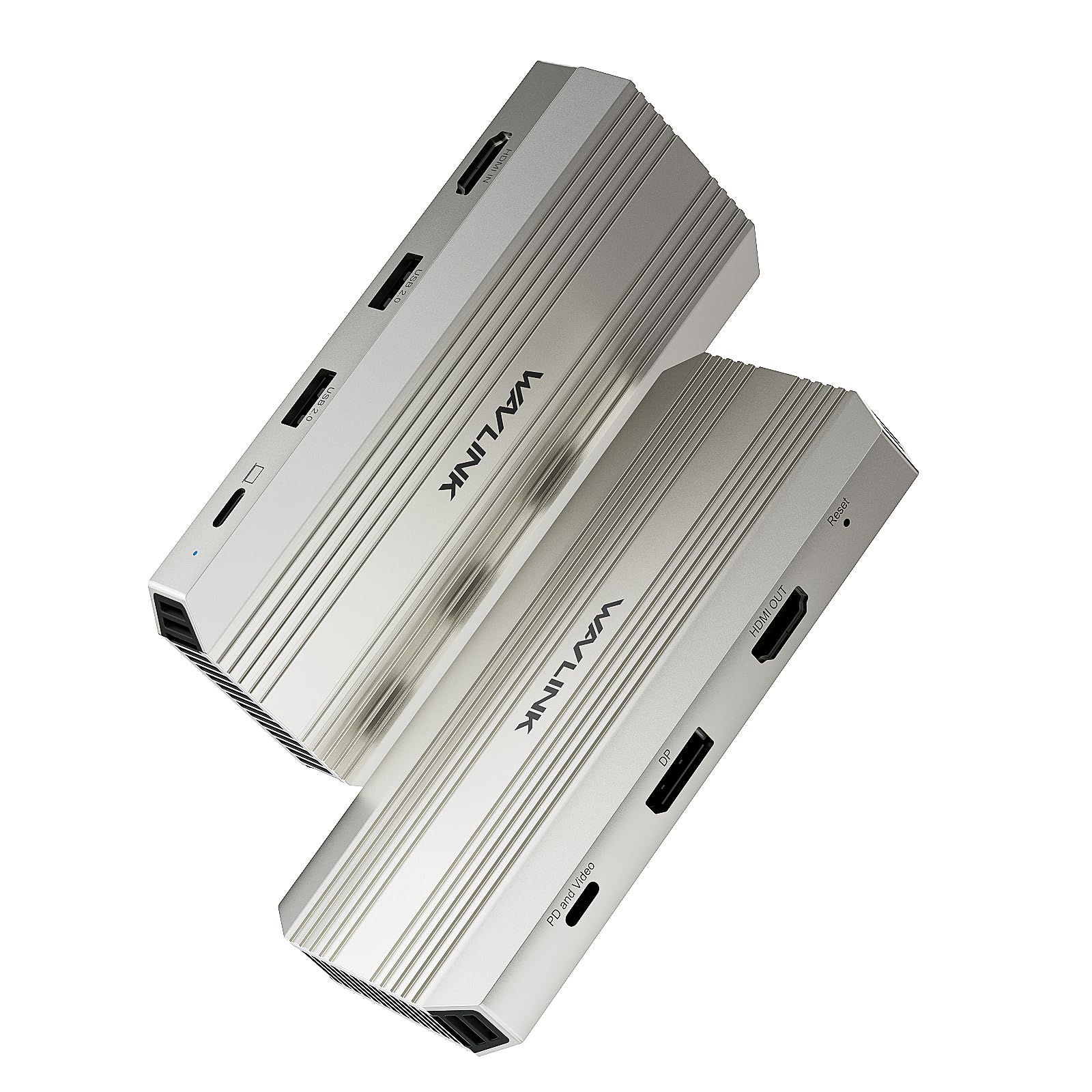
WAVLINK Video Capture Card, HDMI Capture Card for Streaming, 4K@30Hz Capture& Loop-Out, Single 4K@144Hz Display, 100W PD, Compatible with PS5/Xbox/Switch, OBS, Windows/Mac
Product Specification
Marka: WAVLINK
Interfejs sprzętowy: HDMI, USB
Rozdzielczość zapisywania wideo: 2160p
System operacyjny: Windows 7, Windows 8, Windows 10, Windows 11, macOS
Zalecane zastosowania produktu: Przechwytywanie gier, nagrywanie wideo
Funkcja specjalna: Wyświetlacz HDR 4K przy 144 Hz, zasilanie 100 W, szeroka kompatybilność
Nazwa modelu: WL-VR204
Platforma: Mac OS X, Windows
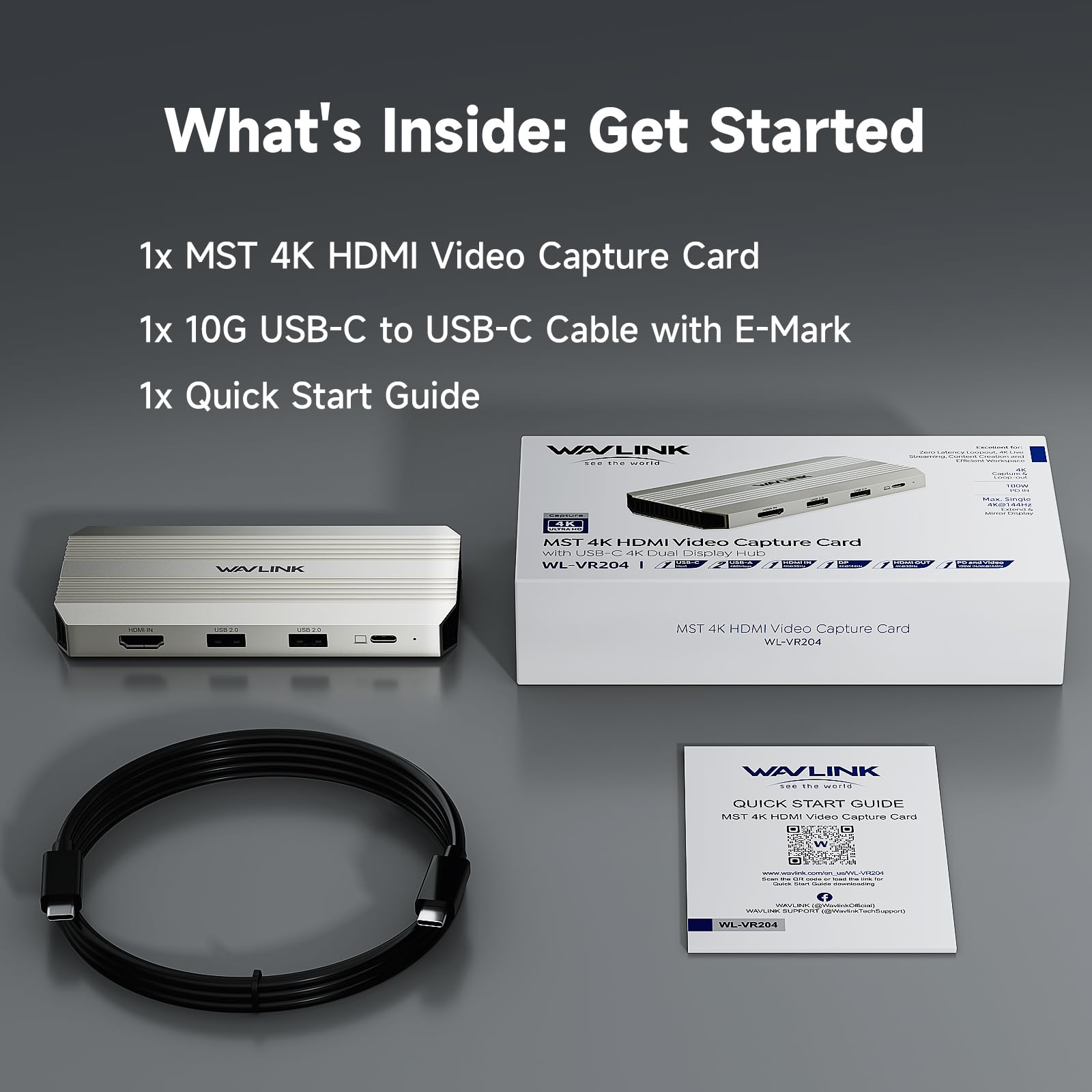
Dołączone komponenty: Kabel USB-C na USB-C 10G ze znakiem E, Karta przechwytywania wideo MST 4K HDMI
Standard wideo: HDMI, DisplayPort
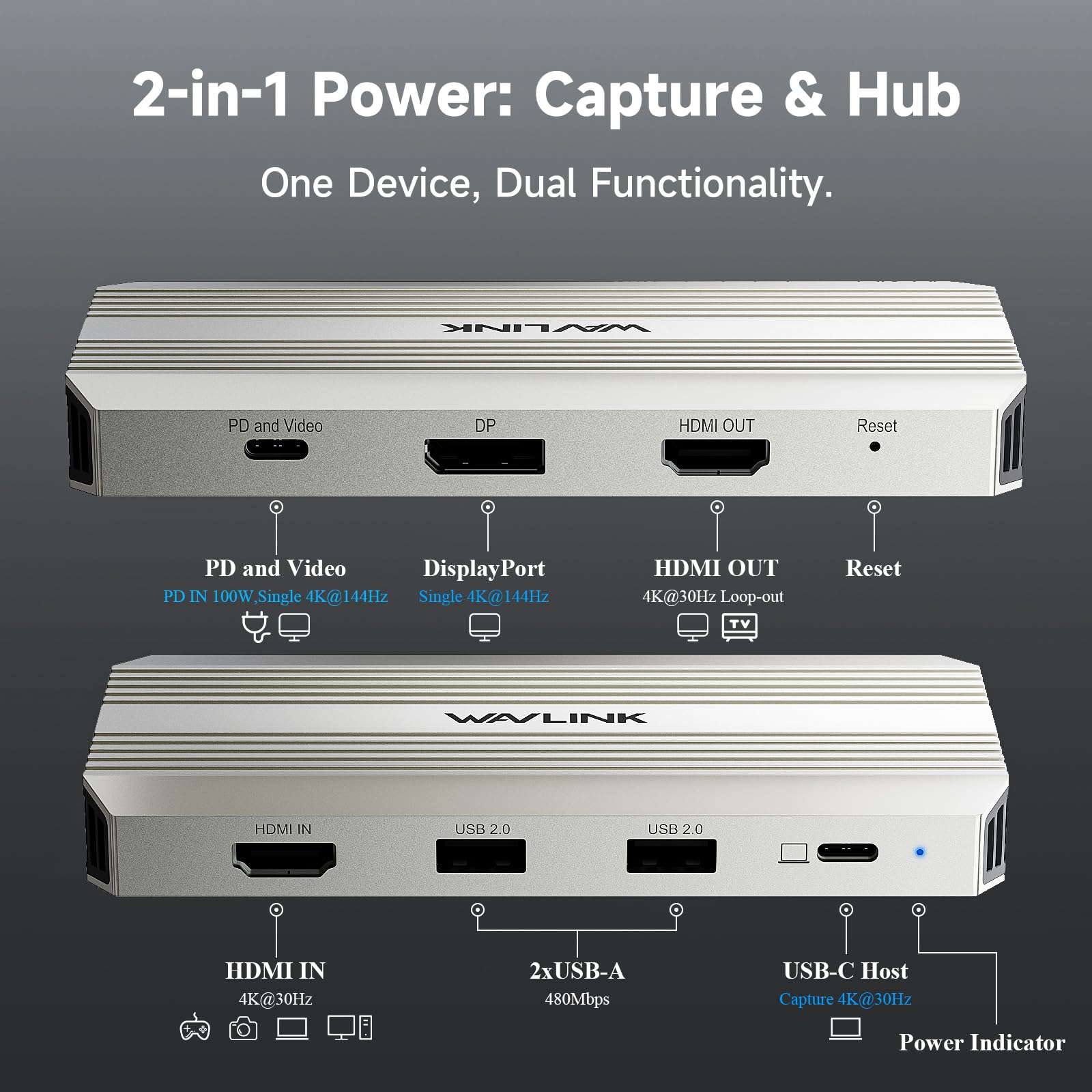
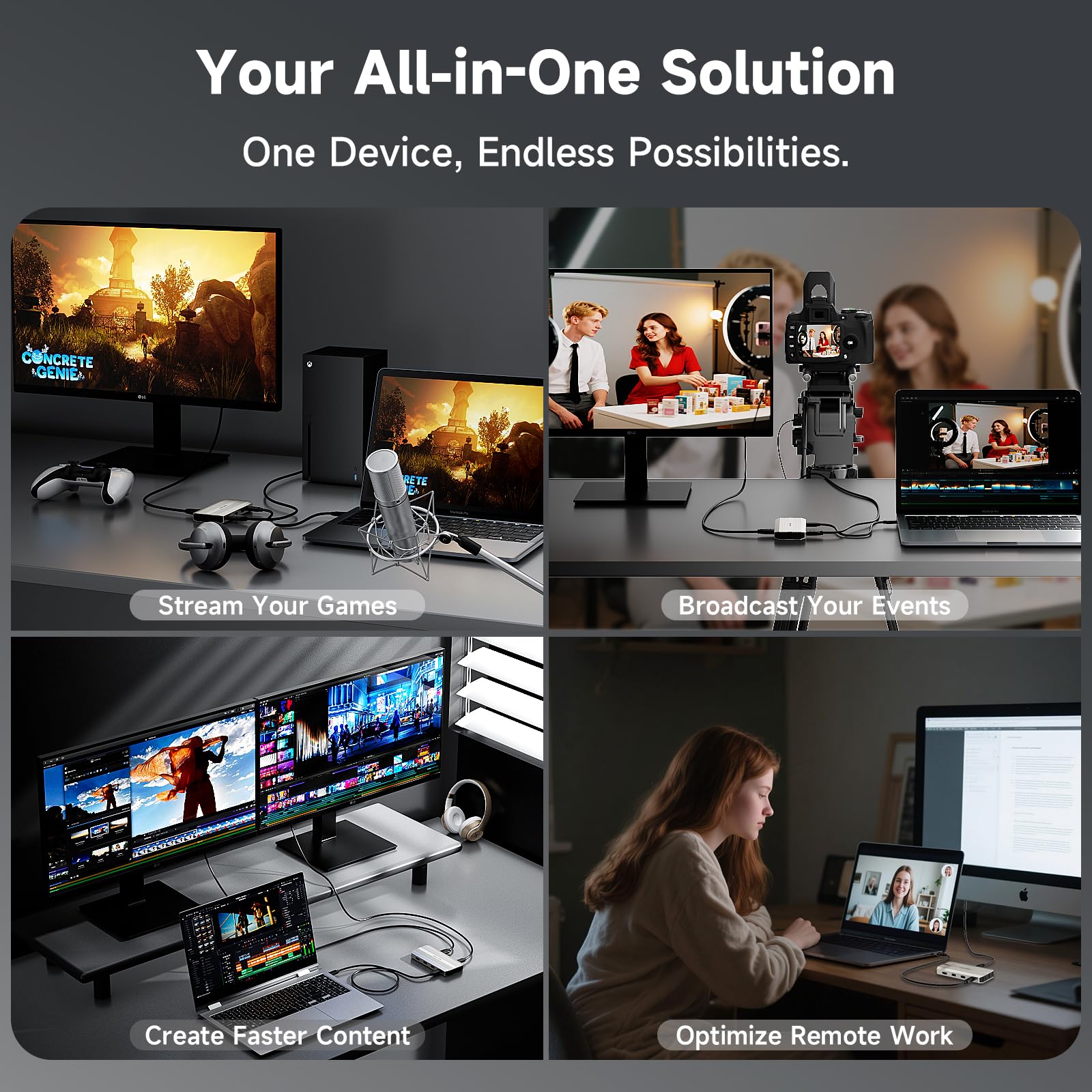
- Professional Efficiency Improvement - If you are a personal creator, gamer, remote worker or need to work in multiple scenarios, then you have to take a look. There is such a Video Capture Card that can provide you with 4K@30Hz Capture& Loop-Out, Single 4K@144Hz Display, and 100W power input, USB2.0 for wireless devices. It can greatly improve work efficiency and keep the desktop tidy. What do you think?
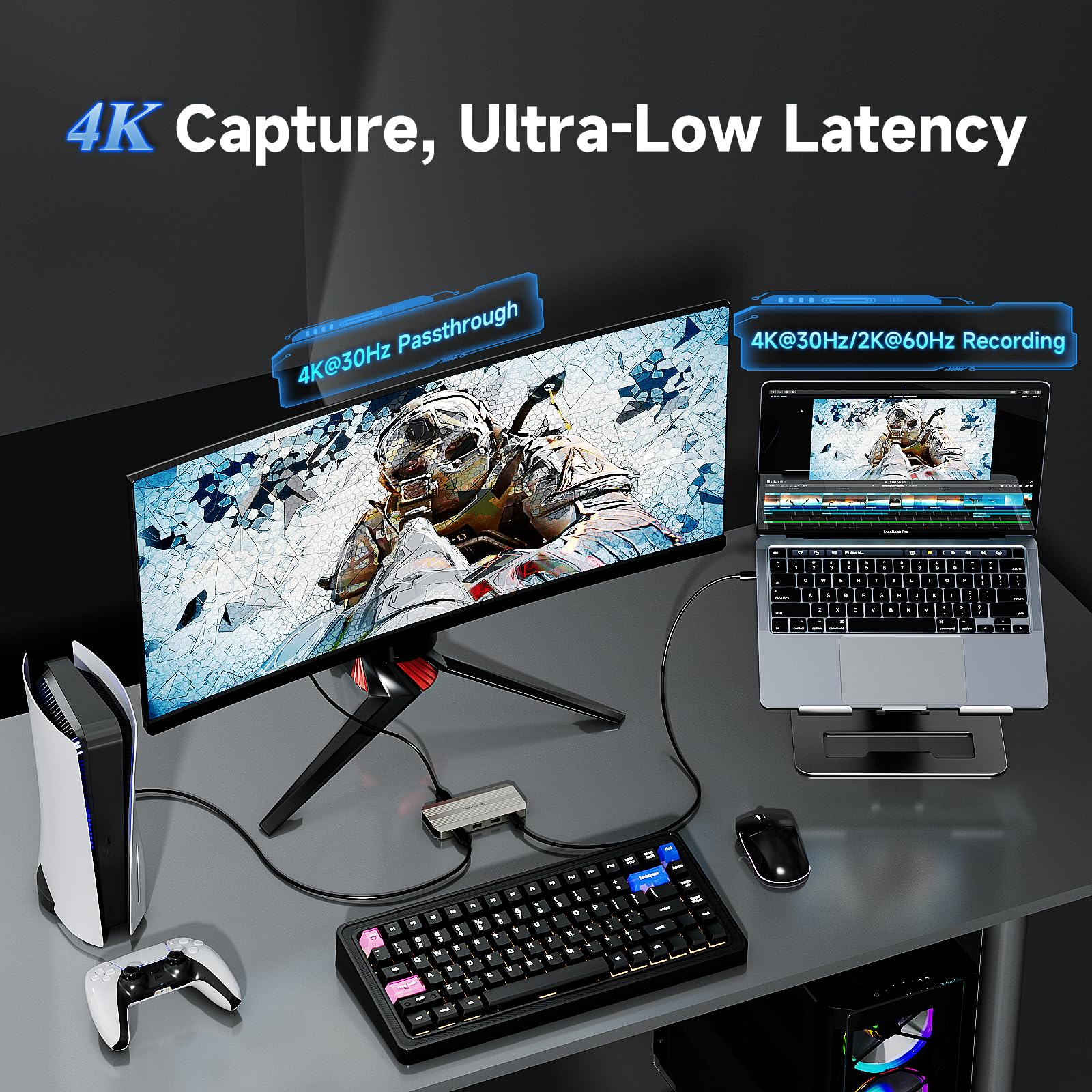
- 4K HDMI Capture Card for Streaming - Experience crystal-clear 4K@30Hz video capture and an ultra-responsive, low-latency 4K@30Hz HDMI loop-out for uninterrupted gameplay or real-time monitoring. Supports high-fidelity YUY2 uncompressed video for superior image quality from your PS5, Xbox, or camera.
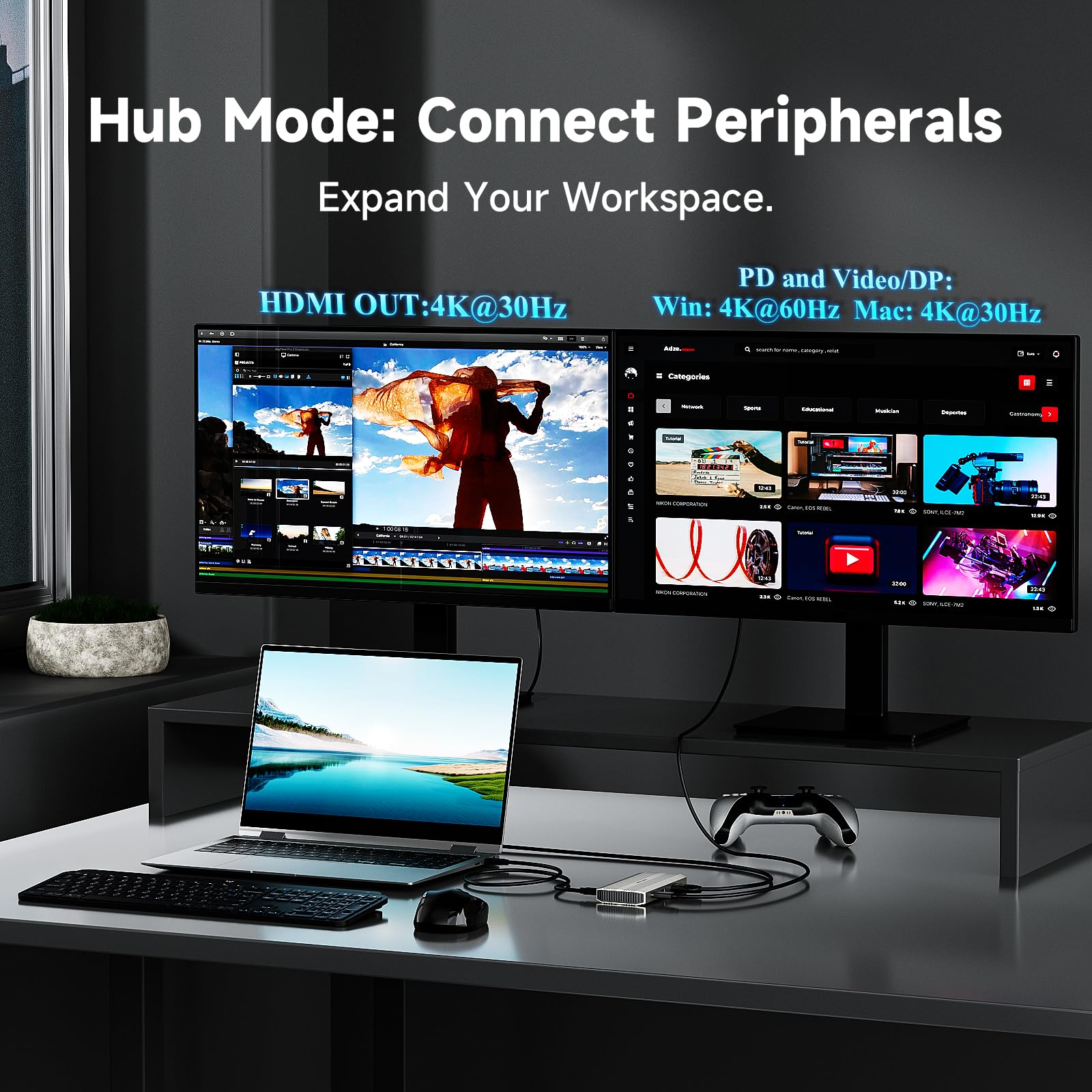
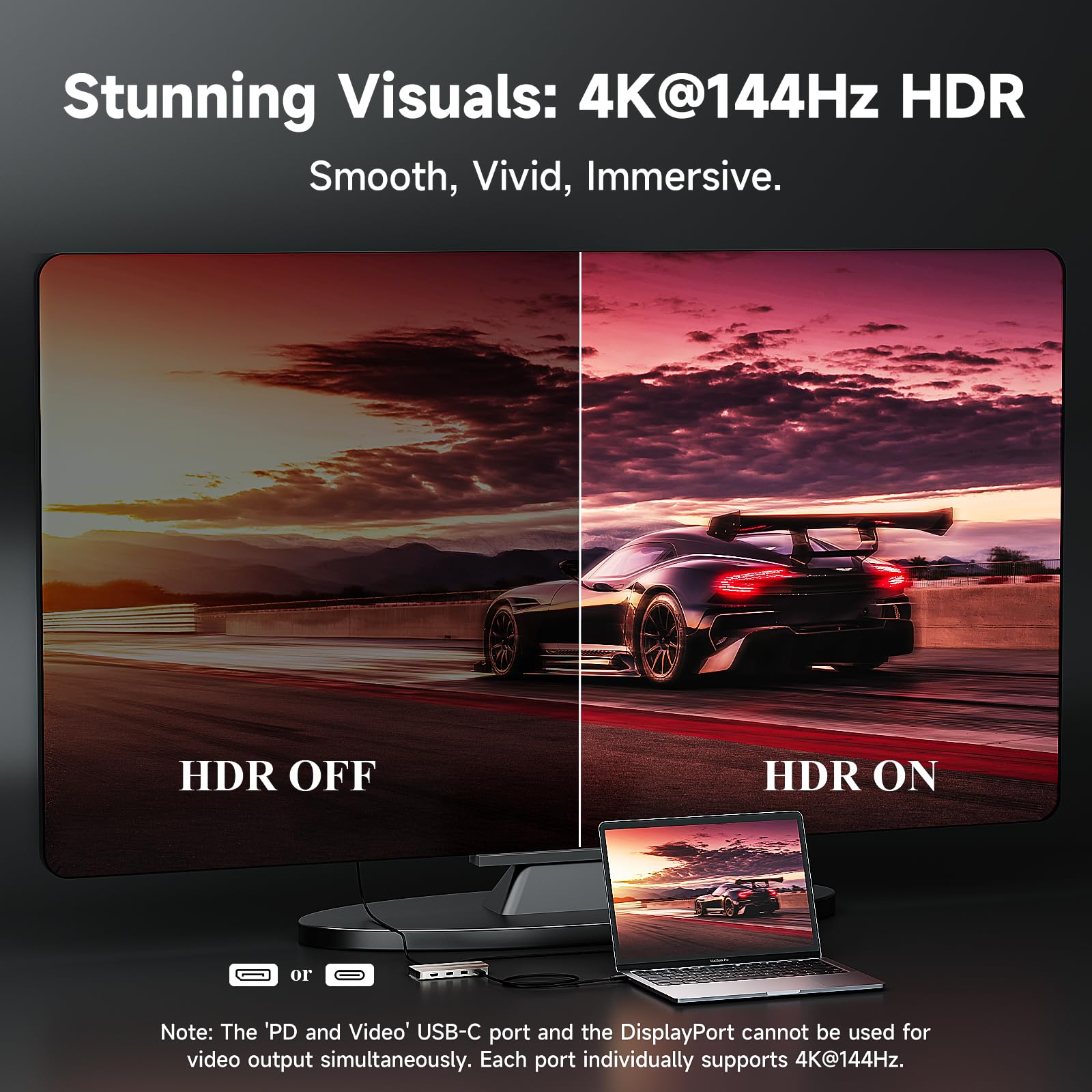
- 4K@144Hz HDR - If you are a gamer or video producer, you know what 4K@144Hz means. This capture card transform your laptop into a workstation with stunning single 4K@144Hz HDR display output via DisplayPort or the "PD and Video" USB-C port(under DP1.4).
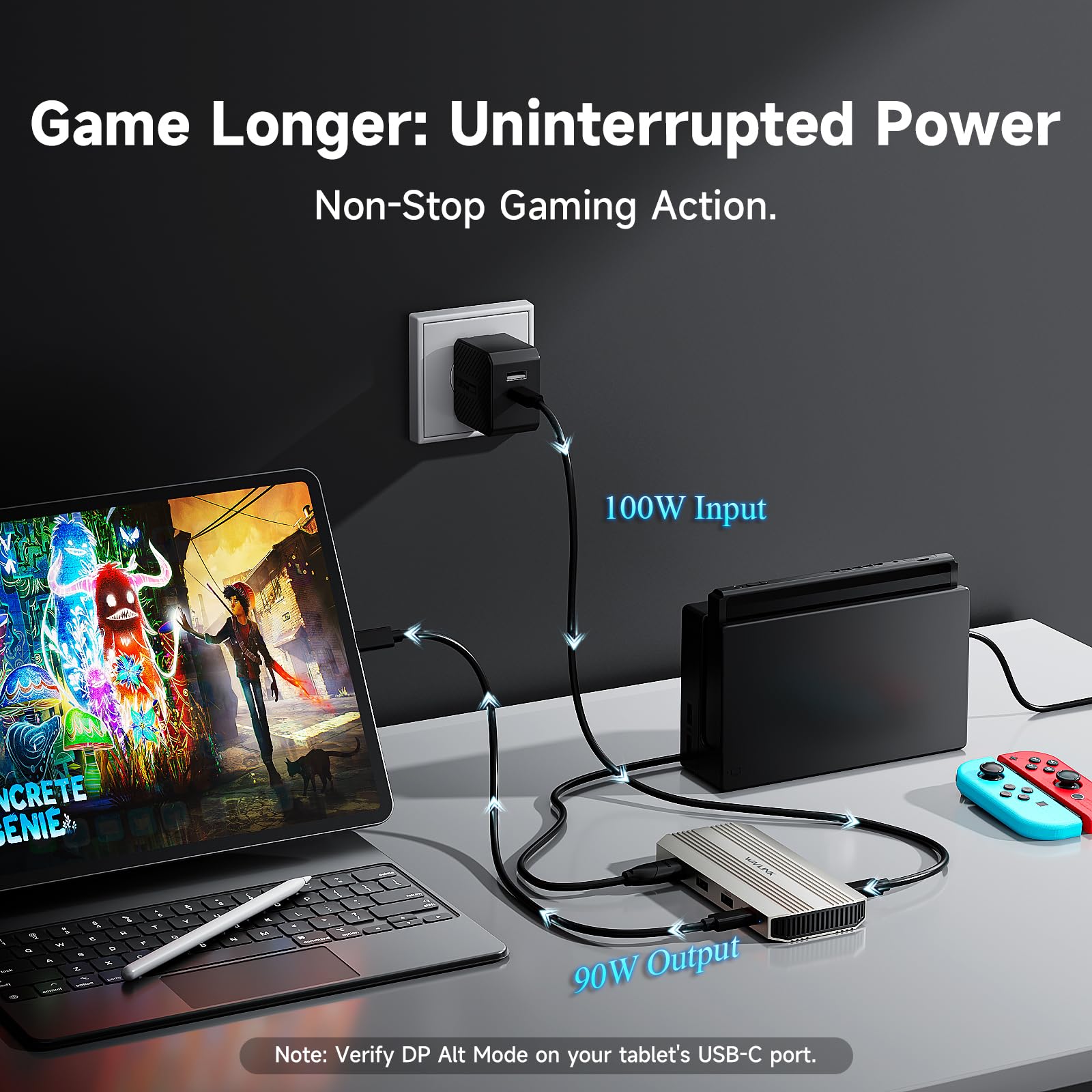
- Video Capture Card with 100W Power Delivery - Say goodbye to low battery! Video capture card with 100W power delivery, 90W for laptop charging. Our products do not come with a charger, please use a 20V/5A/100W charger. Please confirm your computer charging power, it will not charge if it is higher than 90W.
- Pls Note - Please make sure that the computer's Type C port supports charging and video output. The USB-C Host and HDMI IN cannot work simultaneously, if they are connected at the same time, the HDMI IN captures the video first. If you have selected the DP port to extend or mirror your computer's screen, the PD and Video port can only act as a Power IN. Computers with Mac OS can only extend one different screen and prioritize HDMI capture.